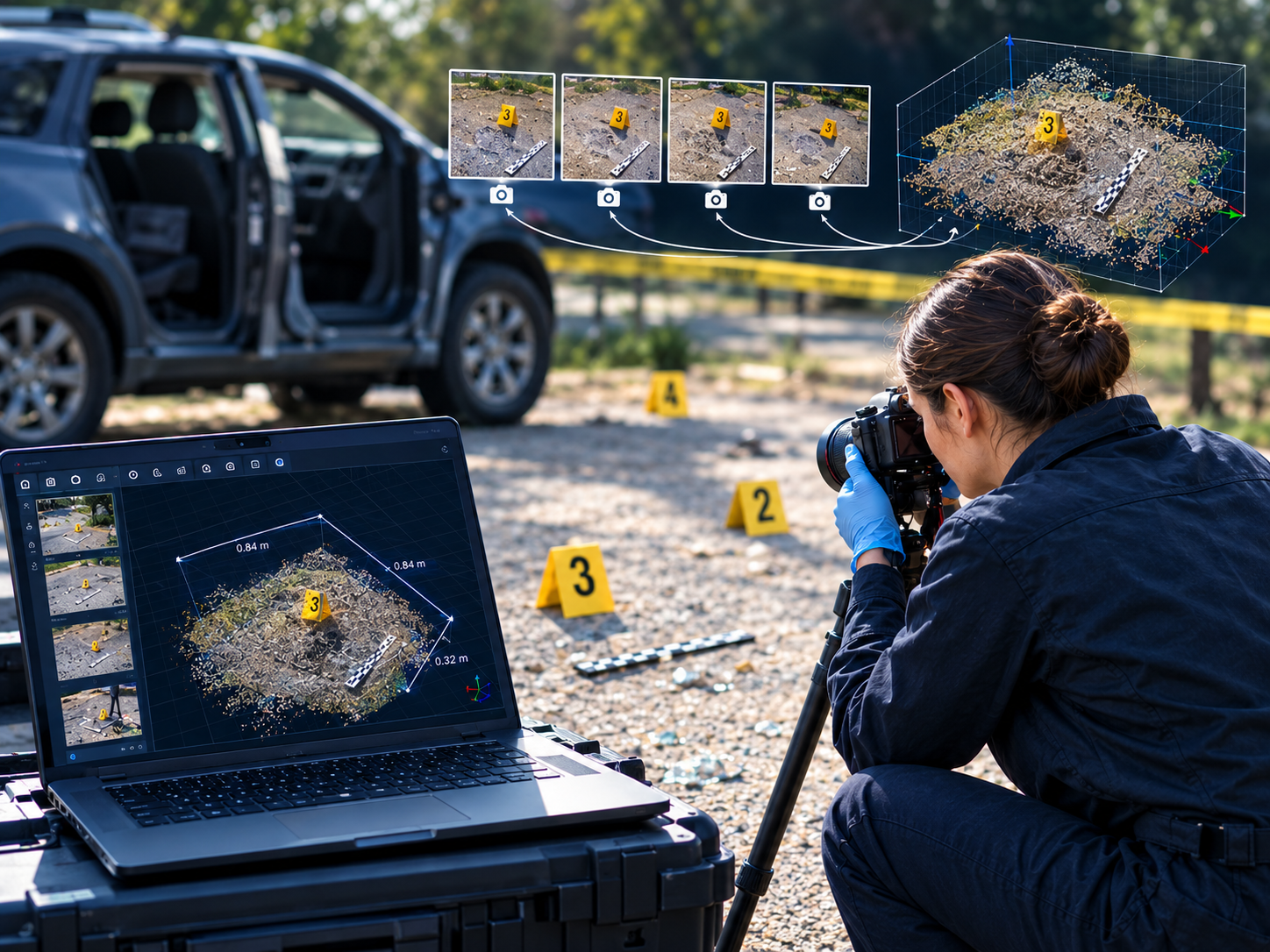








Cloud Technology Solutions for Forensic Video Work: What Investigators Should Know
Forensic video analysis has long meant a powerful workstation, licensed software installed on it, and someone who knows how to keep both running. If that machine sits in the lab and you’re at home, at a second office, or preparing for a hearing, you wait until you can get back to it. For small teams and independent examiners, the cost of duplicating that setup is hard to justify.
Cloud technology solutions change the arrangement. Instead of installing heavy software locally, you connect to a remote system that does the processing and streams the result to whatever device you have in front of you. For work like deblurring footage or authenticating an image, that shift matters more than it might for a typical business app, because the workloads are demanding and the people doing them are often on the move.
This article explains how cloud-based forensic video software works in practice, what to look for in a cloud services provider, and how a real example, My Cognitech Cloud (MC2) from Daetech Systems, handles each point.
What Cloud Technology Solutions Mean in Forensic Video
In a conventional setup, the software and the processing power both live on your computer. In a cloud setup, they live on a remote server. You log in through a web browser or a desktop application, and the software appears on your screen as though it were running locally. The heavy lifting happens elsewhere, which is why a modest laptop or even a tablet can be enough.
MC2 is built this way. It’s a streaming service for Cognitech’s forensic software, specifically Video Investigator and FiA 64 Forensic Image Authentication, and it’s accessed remotely from a desktop or tablet. Video Investigator is used to deblur, denoise and enhance video and images, while FiA 64 is aimed at image authentication. If you want background on the underlying tools, Daetech’s pages on forensic analysis and image authentication cover them in more depth.
The practical difference is who carries the burden. With a local install, you own the hardware, the updates and the troubleshooting. With a cloud model, the provider handles the environment and you handle the casework.
How the Workflow Actually Runs
MC2 describes its process as purchase, connect, process, get results. You buy a subscription, log in, upload your files through a secure transfer protocol, do the work, and download the finished files back to your own device. According to the provider, nothing is left behind on the cloud once you’re done.
That last point deserves a careful read rather than blind trust. Evidence handling is governed by your agency’s or firm’s own policies, and some organizations have rules about whether case material can leave their network at all. If you’re considering any cloud service for sensitive footage, ask the provider to document exactly how data is transferred, stored during a session and removed afterward, and run that past whoever manages your evidence and security procedures. A provider worth using will welcome the question.
Another everyday benefit is how software versions are managed. Because you’re connecting to a hosted environment, you get the latest release each time you log in, without reinstalling or chasing patches. For anyone who has lost an afternoon to an update that broke a working setup, that’s a real convenience.
What You Need on Your End
The hardware demands are low, but the connection matters. MC2 lists a minimum of 5 Mbps download and 1 Mbps upload, over broadband or a mobile hotspot. Supported browsers are Chrome, Firefox, Edge and Safari. Web login works from Windows 7 through 10, Mac OS X or Linux, and the desktop application login requires Windows 10.
Keep in mind that those figures are the floor for staying connected. Uploading a large video file is a separate question, and on a slow upload link it will take a while. If you routinely handle long recordings, test your real-world upload speed before you commit to a plan, and consider doing uploads from a wired connection when you can.
Location also plays a part. Streaming a desktop session is sensitive to distance, so the closer you are to a server, the smoother it feels. MC2 currently lists servers online in North America and East Asia, with Europe, South America and Southeast Asia marked as coming soon. If your nearest region isn’t live yet, the provider’s guidance is to connect to another available one. Since that list may have changed, check the current status on the MC2 page before you plan around it.
Choosing a Cloud Services Provider for Forensic Work
A general-purpose cloud platform and a specialist provider are different things. When you’re evaluating a cloud services provider for evidence-related tasks, a few questions are worth asking before price even comes up.
The first is about the software itself. Hosting a tool in the cloud doesn’t make it better or worse, so the tool still has to stand on its own. Cognitech says it was founded in 1988 and describes itself as the first forensic video investigation software company, with a long record of developing its own algorithms and holding patents in the area. You’ll want to judge that history against your own needs, but a long track record in the specific discipline is a reasonable thing to weigh.
The second is data handling, as covered above. The third is flexibility. Forensic caseloads are uneven: some weeks are quiet, and some bring one urgent job that needs a full toolset immediately. A provider that only sells annual contracts may not suit that pattern. The fourth is support and training. Cloud access is only useful if you know how to use the tools, so look at whether the provider offers onboarding, a getting-started guide or training options.
Pricing and Plan Options
Each plan includes 24/7 access through the desktop application or a web browser, the latest software version, local file upload and a secure connection. The one-month Pro listing also names professional features such as FrameFusion and 3D FaceFusion. The page links to a comparison of Core and Pro if you’re unsure which fits your work.
How you choose depends on your pattern of use. The one-day Core pass suits a single urgent job or a first trial of the platform. A monthly plan makes sense for a defined project or a busy stretch. An annual plan tends to pay off for people who use the software regularly and would otherwise need a dedicated machine and local license.
Who Gets the Most Out of This Approach
Cloud access is a natural fit for independent consultants and small firms that can’t justify a high-end workstation, and for examiners who split time between an office, home and travel. It also suits teams that need extra capacity during a spike in workload without buying hardware that will sit idle later.
It’s less straightforward for organizations with strict network isolation requirements or very large files and limited bandwidth. In those cases, a local installation may remain the better choice, and some teams use both: cloud access for flexibility and a local system for the most sensitive or heaviest work. There’s no rule that says you have to pick one.
Is Cloud Access Right for Your Casework?
Cloud technology solutions don’t replace good forensic practice, but they remove a lot of the friction around equipment, installs and location. The sensible way to evaluate one is to test it on a real, non-sensitive file, check your upload speed and ask hard questions about data handling before you rely on it for anything important.
If you want to see how it works for yourself, the Getting Started guide walks through purchasing a subscription and using the cloud applications.
Common Questions
- Do I need a powerful computer to use MC2?
Not for the processing itself, since that runs on the remote system. You need a stable internet connection, a supported browser or Windows 10 for the desktop login, and enough upload speed to move your files comfortably. - Can I try it before committing to a long subscription?
The 24-hour Video Investigator Core plan is the lowest-commitment way in, and it gives you a chance to test the connection and workflow on a real file. - What happens to my files after I finish?
The provider states that you download your results locally and that no data remains on the cloud. Because evidence rules vary, confirm the details with Daetech and your own compliance team. - Which operating systems work?
Web login works on Windows, Mac and Linux, and the desktop application login is for Windows 10.